The robots meta tag advises search engines on how to index your website and can also specify whether links should be followed or nofollowed. For some marketers, this is too technical an aspect. For developers, however, it is often seen more as a marketing tool.
This can lead to absurd situations – for example, when a client asks us to audit a website that has been running for several years. However, the site had the noindex attribute – meaning it prevented search engines from including it in their search results, and so it wasn’t searchable!
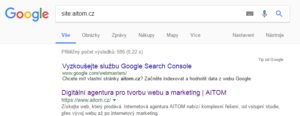
Test how you’re doing. Enter “site:yourwebsite.co.uk” into the search bar. Find out if search engines are actually indexing all your pages.
Types of indexes and what they mean
Nofollow
The nofollow tag can be used on a page or on a link as part of a link-building strategy. This tag says: do not follow any links on this page.
Links are a crucial factor in assessing a page’s quality in SEO. Internal links help search engine crawlers navigate websites and connect relevant topics. High-quality internal linking will also help improve your pages’ search engine rankings.
When should you use nofollow?
-
For links in blog comments. If users can comment on your articles, you don’t want competitors spamming your comments. It’s better if your developer automatically sets all links in the blog to nofollow. This ensures they cannot damage your backlink profile.
-
For paid links. Paid links and links in PR articles can damage your online reputation.
-
Unreliable content. If you link from your site to external sites and are unsure of the quality of the content. You can safely link to other bloggers, or for example to customer testimonials, without their PageRank affecting yours in any way. Conversely, you can use the follow attribute to mark trustworthy sources that are thematically related.
-
For pages not intended for robots. Search engine robots cannot log into a forum, fill in a form or register. There is therefore no reason why robots should take note of this link. By using the nofollow tag, you simply redirect the robot to focus more intensively on other content pages.
Noindex
You can mark an entire website or any individual page as noindex. This tag means that you are advising search engines not to index the page in search results. Put simply – no one will ever find this page.
When to use noindex?
-
During development, whilst you are still working on the page and do not want to show it to search engines
-
On thank-you pages for logging in or submitting a form. Logically, only users who have met a certain condition (such as submitting an enquiry form) should be directed to these pages.
-
Pages intended only for logged-in users – if your website has pages for logged-in users, they should be marked as noindex. Again, this makes sense; their content is intended only for your fans, employees or VIP clients, and should not be publicly accessible.
-
If you share duplicate content. If an interview with you is published in an online media outlet, you can share it on your own blog. However, to avoid penalties for duplicate content, mark the article with both the noindex and nofollow attributes.
How to set up the correct index
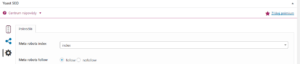
You don’t need to be an IT expert to configure the robots meta tag yourself. Modern content management systems allow even non-technical users to set this attribute.
Settings in AitomCMS A5
1. Log in to the admin panel.
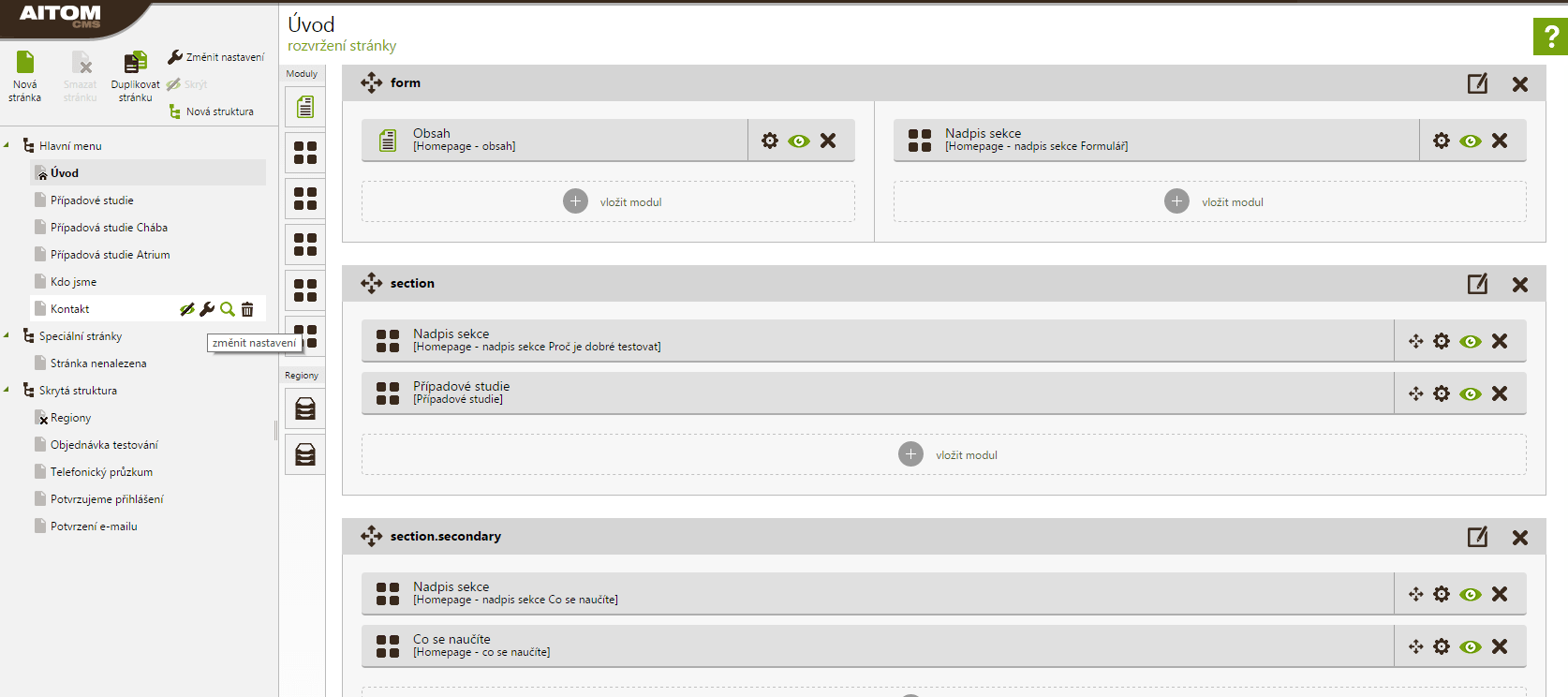
2. Select the specific page and click on the wrench icon
3. At the bottom of the page, you will find the SEO settings. Select the required attribute and save the page.
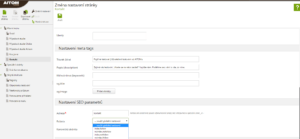
4. You will also find the same SEO settings for every article, news item or branch page.
Settings in WordPress
1. For easier management, download an SEO plugin – for example, ALL in One SEO Pack or YOAST.
2. At the bottom of the page, you can then tick the attribute you need.