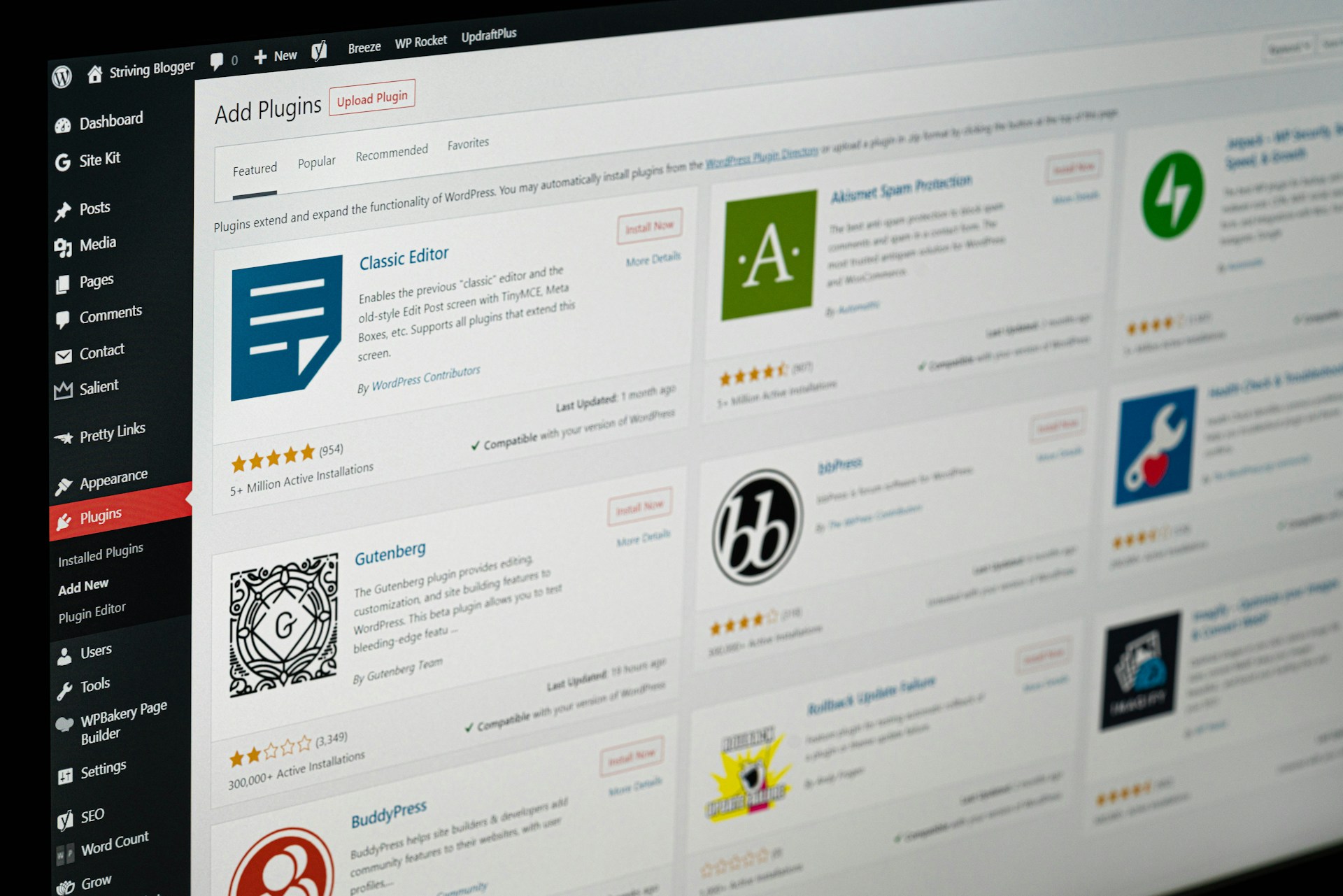
Akismet – So you don’t get bothered by spam
Akismet is a tool that filters spam from comments. Akismet’s algorithm learns to recognise spam on its own, based on which comments you approve and which you reject as advertising.
Approving meaningful comments and deleting spam is time-consuming work, and few site admins want to spend several hours a week playing Cinderella. Akismet takes care of the comments for you. Thanks to the plugin, you can edit or delete comments in bulk. Akismet is automatically installed on new WordPress sites; you simply need to activate the plugin before launching the site.
For example, on the blog bydleni-hrou.cz, Akismet blocked 178 spam comments without us having to lift a finger. It didn’t make a single mistake.

I WOULD LIKE TO RECOMMEND CUSTOMISED PLUGINS
Yoast SEO – Making your site visible
Good search engine optimisation is essential if you want people to find your site. There are many SEO plugins available. For example, we used to use All In One SEO Pack. Now, however, we only install Yoast. In our opinion (and that of many other developers), this is the best plugin for search engine optimisation.
What’s more, the plugin is very user-friendly, and even a complete novice can fill in all the important fields. Although the recommendations are in English, you’ll always know when you’ve met the target by all the items turning green. It couldn’t be simpler.
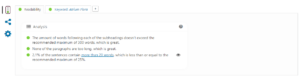
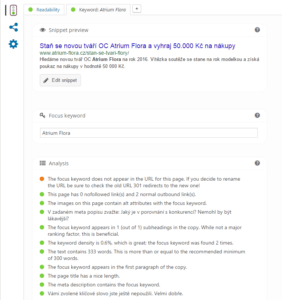
Also note the plugin’s left-hand menu. Yoast also allows you to set a title, description and image for sharing on Facebook. If users like to share your pages, definitely make use of this so you can present yourself professionally on Facebook too.
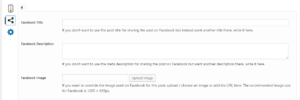
You can download the plugin here.
Pagebuilder by SiteOrigin – to make your website look great
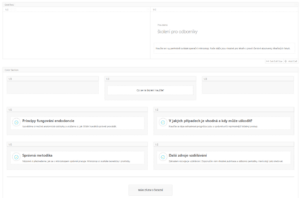
Pagebuilder is a simple drag-and-drop editor that allows even non-coders to style their pages beautifully. Using this simple editor, you can divide the page into rows and determine the position of individual components.
You can thus divide content into columns, create simple buttons and so on.
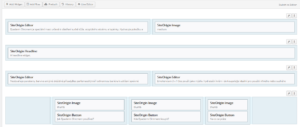
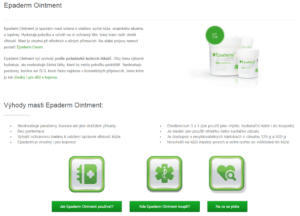
It’s very easy to use, and individual pages can even be cloned so you don’t have to design similar pages a million times over.
You can download Pagebuilder here.
Some templates already have a similar editor ‘built-in’. For example, the Enfold template comes with a similar editor, the Avia Layout Builder from the same developer, which is even more user-friendly.
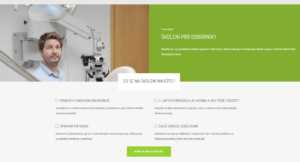
Zalomení – for correct text
Zalomení is the only Czech plugin in our selection. It has been specially developed for the specific requirements of the Czech language. Our typography prohibits the use of consonantal prepositions such as s, z, k and others at the end of a line. This plugin breaks lines correctly according to Czech typography, without your coder or copywriter having to worry about it.
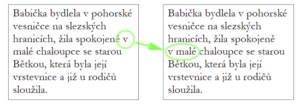
© Jan Skýpala | honza.info
You can easily configure the plugin to suit your preferences, or you can leave the default settings as specified by the Institute of the Czech Language of the Academy of Sciences.
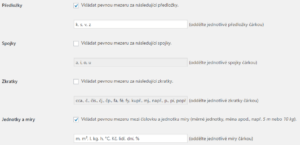
You can download the line-breaking plugin here.
Contact form – so people can get in touch
Almost every company has a contact or order form on its website. Try these simple plugins for setting up forms.
Contact Form 7
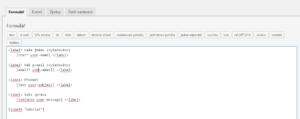
Contact Form 7 is a slightly more advanced plugin, better suited to a developer than a non-technical user. However, if you’re familiar with HTML, you can style the form into multiple columns and so on. With a bit of practice, though, you can set up everything you need—including automatic replies—even without any coding knowledge. You can find Contact Form 7 here.
Ninja Forms
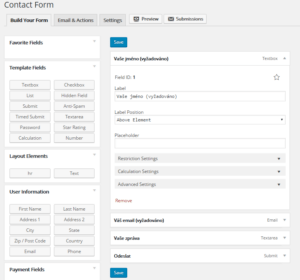
If HTML means nothing to you, be sure to try this simple plugin for creating forms. You can have as many forms as you like and configure their fields however you wish. The plugin can also export contacts to Excel. Forms are set up using drag-and-drop, so even a non-technical user can set up a simple form. Download Ninja Forms here.