
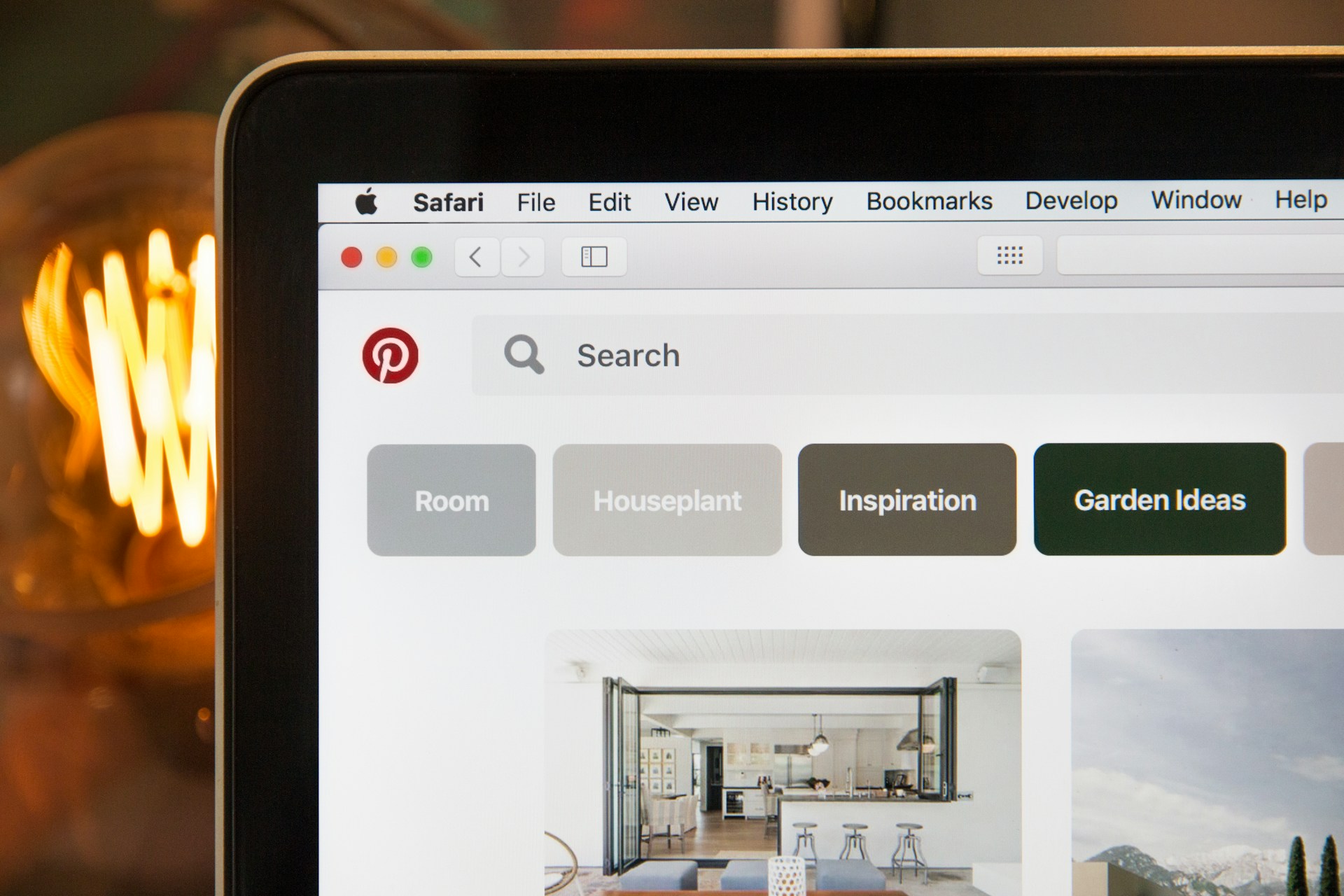
A brief introduction to the social network
Pinterest
A still relatively young
social network, which was founded just three years ago in the USA. Globally,
it has experienced a huge boom over the last two years, but in the Czech Republic
it has not yet reached any staggering numbers of users, and it remains to be seen whether Czech,
more conservative users will embrace this network. It is a network for sharing images.
Whether these are products, infographics or architectural highlights.
The most successful areas here are primarily cooking, design and architecture.
Setting up
You can easily set up a business account via the following link – http://business.pinterest.com/.
Fill in some information about your company, such as the name, logo, contact
person, and choose your own username.
First steps
Once you’ve set up your account, you can start uploading photos to your profile.
You can create several folders (called ‘boards’)
– for example, organised by type of dish. You can add a comment to each photo, and thanks to meta
tags for your own products, you can also include information on cooking times, required
ingredients, etc. You can see what such a ‘pin’ looks like,
complete with a list of ingredients, here, for example – http://pinterest.com/pin/424605071088691026/.
Clicking on the image always redirects you to
the linked URL, so Pinterest can also increase website traffic.
Adding buttons for easier sharing of images on Pinterest
You can add a
“Pin it” button to images on your own website, and when users click on it, they can easily add the image to their own
Pinterest profile. You can easily create the buttons here – http://business.pinterest.com/widget-builder/#do_pin_it_button,
or you can add the button to your web browser yourself here – http://about.pinterest.com/goodies/. You can then use it to easily pin images even from websites that
do not have the aforementioned “Pin it” button on their site (useful mainly for users
who add images from various websites).
What to share?
You can share your daily menu, for example – every day
you add the current dish. You can also create several boards based on the type
of food; popular ones include desserts, salads, steaks and much more.
It’s also a good idea to follow other users and occasionally repin
their images, or comment on some dishes, to raise awareness of your account.
Let people know about your Pinterest
Let your users know that you have a Pinterest account
so they can follow you. You can place a button on your website so that when users
click it, they start following you – http://business.pinterest.com/widget-builder/#do_follow_me_button.
Occasionally remind users on your Facebook profile that they can view your
recipes on Pinterest too, and perhaps even add a ‘Pin it’ button to
your newsletter.
This article was written as background material for setting up a profile for the www.receptynakazdyden.cz project, which our company manages.