
Why should you focus on visual content?
Visual content and infographics are a huge trend. But it’s not just a marketing buzzword. Customers love visuals too. On Twitter, for example, posts with images get 150% more retweets.
The Venngage agency asked more than 300 marketers how they worked with images and visual materials in general last year:
- Visual content experienced a huge boom compared to 2015 – up 130%
- More than half of marketers use some form of visual material in almost every communication.
- 60% consider visuals an essential part of their marketing strategy
- 57% spend a quarter or more of their marketing budget on visuals.
What kind of visual content do marketers consider most successful?
Statistics defined success as content that achieved the highest level of user engagement. Which items from this list do you use?
- Infographics and original content (41%)
- Charts and visualised data (26%)
- Video (20%)
- Stock photos (8%)
The figures speak for themselves: it makes sense to focus on original content. By comparison, the most commonly used content is stock photos and infographics. Infographics can be factual, for example in case studies, or entertaining. Take, for instance, the infographic about AITOM members’ travel habits – whilst it has nothing to do with web development, our Facebook fans found it absolutely brilliant.
Choose data that’s interesting, pick a suitable topic, and see how an infographic might work for you.
Graphic design tips to make your infographic look great:
1. Stick to one typeface
There are three basic font families: serif, sans-serif and display. Each is used slightly differently. Choose a font that reflects your theme. Serif and sans-serif fonts are suitable for serious topics, whilst display fonts are more creative and better suited to light-hearted content.
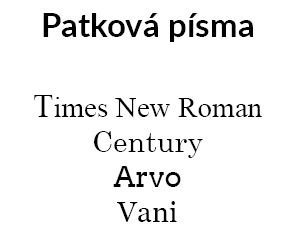
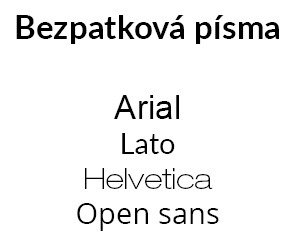
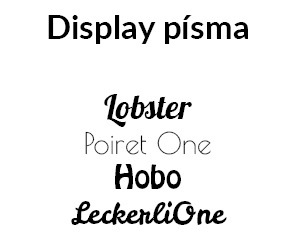
Choose one family and stick to it. You can use more than one font from the same family, but simplicity is key.
2. Harmonise the entire infographic
Harmonise the overall template, font and icons. Ideally, create a palette in advance – a sort of personal style guide. This will ensure you maintain a consistent style throughout your work.
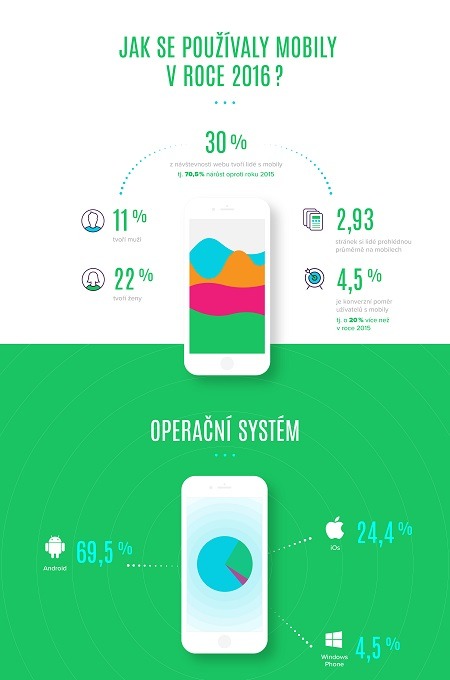
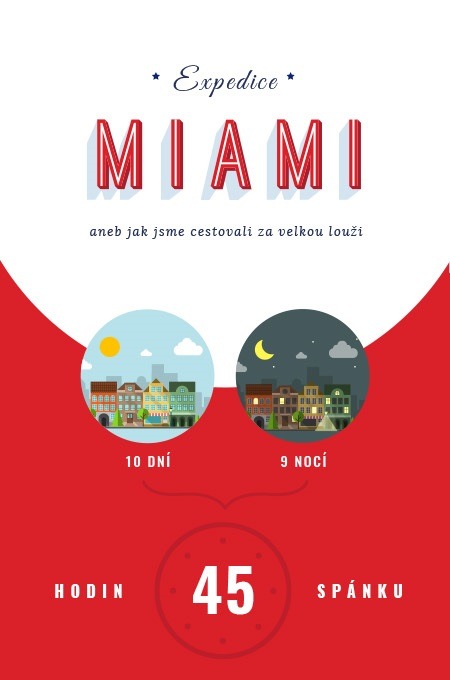
3. Choose contrasting colours
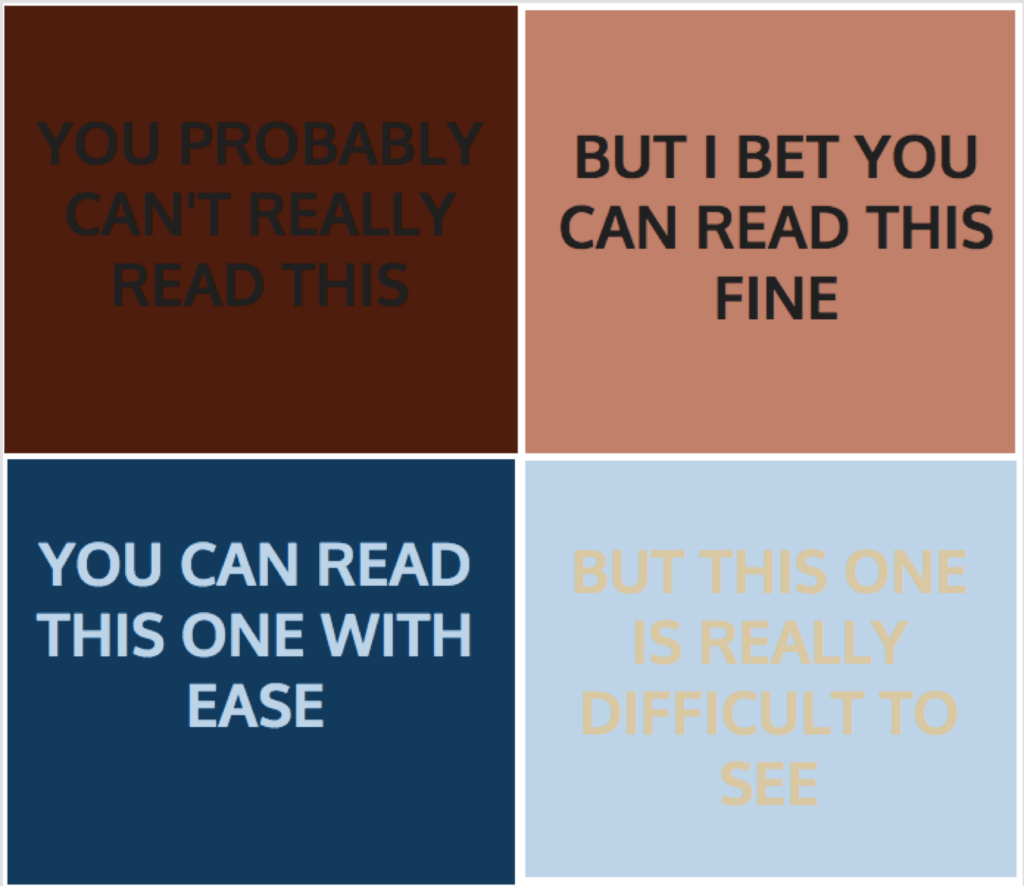
Infographics are often shared as images. They must therefore be legible even at lower resolutions. Take a look at the image below to see how well the text reads:
© Venngage
Tips from the designers at Venngage:
© Venngage