
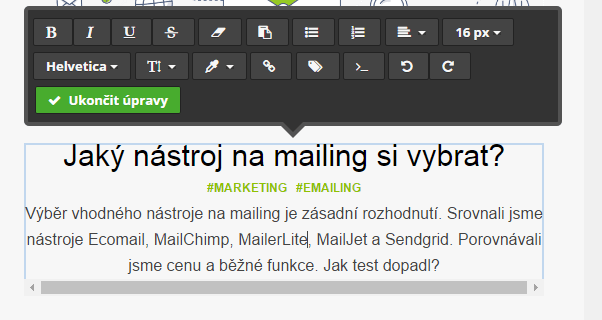
The following tools made it onto our shortlist thanks to their competitive pricing or recommendations: Ecomail, MailChimp, MailerLite, Mailjet, Sendgrid and SmartEmailing.
| Ecomail | Mailchimp | MailerLite | Mailjet | Sendgrid | SmartEmailing | |
| Free for | 100 contacts | 2,000 contacts | 1,000 contacts | 6,000 contacts | 30-day trial | 200 contacts |
| Price per 10,000 contacts | from: 750 CZK (approx. $29) to: 1,425 CZK (approx. $58) |
$75 | $35 | $7.49 | $9.95 | CZK 2,400 (approx. $95) |
| Number of emails sent included | 30,000 | Unlimited | unlimited | unlimited | 40,000 | no limit |
| Types of registration forms | URL pop-up code for embedding on a website |
URL pop-up code for embedding on a website |
URL pop-up code for embedding on a website landing page button |
Pop-up code for embedding on a website |
API | URL pop-up code for embedding on a website |
| Autoresend | NO | NO | YES | NO | NO | NO |
| RSS campaigns | NO | YES | YES | NO | NO | NO |
| Drag & Drop editor | YES | YES | YES | YES | YES | YES |
| Can the WYSIWYG text editor be switched to HTML? | YES | YES | YES | NO | NO | NO |
| Pre-designed templates | YES | YES | YES | NO | YES | YES |
| Connect to Facebook | YES | YES | YES | NO | NO | NO |
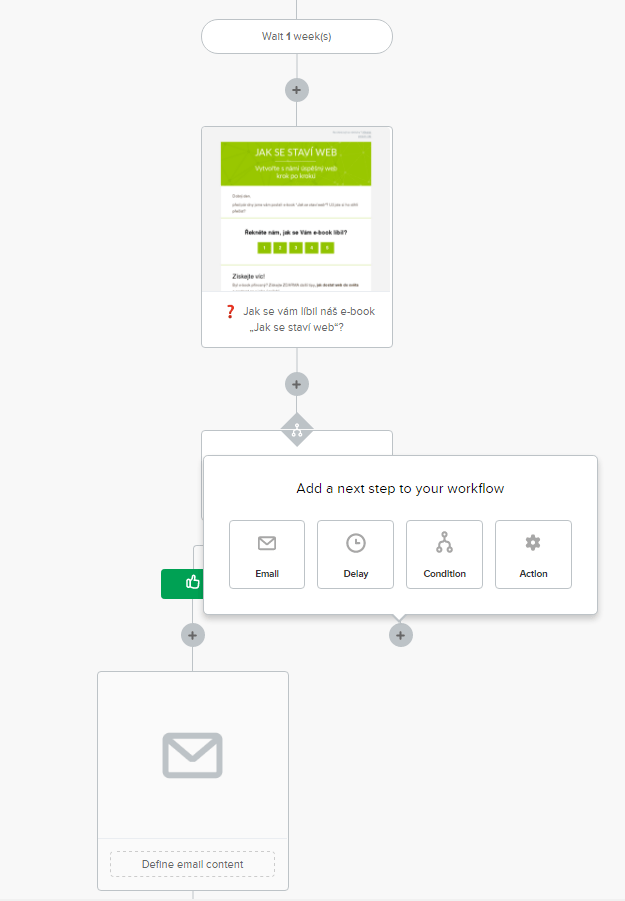
| Automation | even in the free version, spider | even in the free version, spider | even in the free version, spider | only in the paid version, linear | ? | even in the free version linear |
| A/B testing | in the free version | also in the free version | also in the free version | only in the paid version | even in the free version | even in the free version |
| All forms can be translated into Czech | YES | YES | YES | NO | NO | YES |
| Domain verification | Inserting a special code on the server | Verification code sent to email | Enter a special code on the server | Inserting a special code onto the server | Inserting a special code onto the server | Can only be sent upon confirmation of the email; we recommend entering the special code on the server |
| Support | Real-time chat | response within 24 hours | Live chat | response within 24 hours | response within 24 hours | Responds within minutes |
| Contact import options | CTRL C & CTRL V import .csv file import Excel file import with support assistance add contacts individually |
CTRL C & CTRL V import .csv file add contacts individually |
CTRL C & CTRL V import .csv file add contacts individually |
CTRL C & CTRL V import .csv file |
Import .csv file Add contacts individually |
CTRL C & CTRL V import .csv file add contacts individually |
| Email confirmation (opt-in) can be cancelled | YES | NO | YES | NO | NO | YES |
| User difficulty | Easy | easy | easy | difficult | difficult | moderately difficult |
These tools have a lot in common. All of them now feature a drag-and-drop editor and a WYSIWYG (What You See Is What You Get) editor. What is less obvious is that you can switch to HTML mode and code specific customisations.
All tools support API integration. Some allow integration with e-shops and CRM systems. However, as we do not use these features, you will not find them in our comparison.
Ecomail
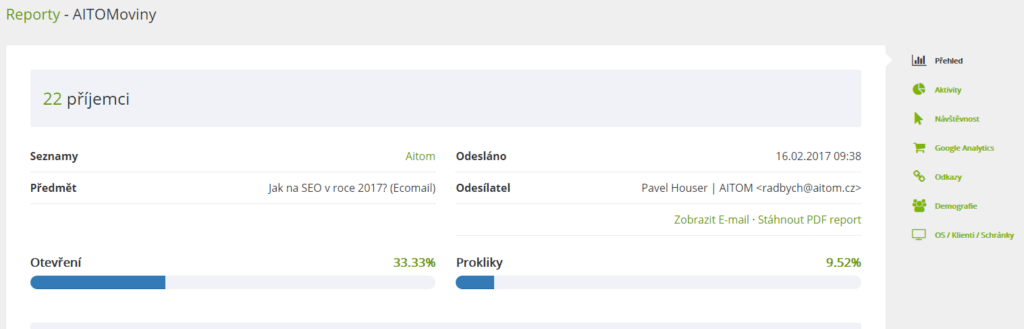
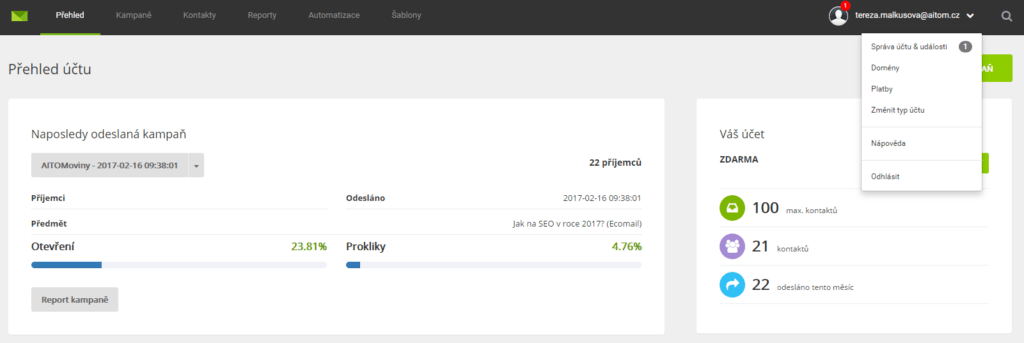
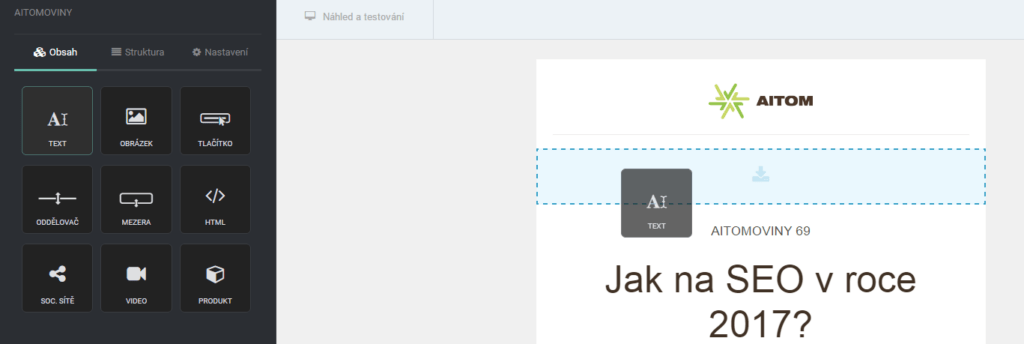
This is a Czech tool and we have nothing but praise for it. It is very easy to use. It allows you to set up everything you need. An advantage is the option to choose a plan based on the features you use.
It was the only tool to send us a personal welcome message offering assistance.
What we like
- Czech tool
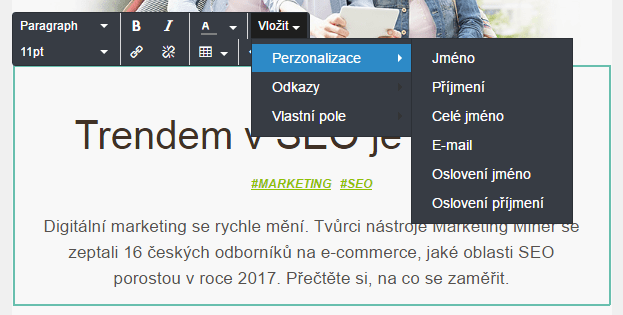
- Automatic declension of names (something foreign tools will never be able to do)
- Automation settings based on public holidays
- Option to chat with support (responds within minutes)
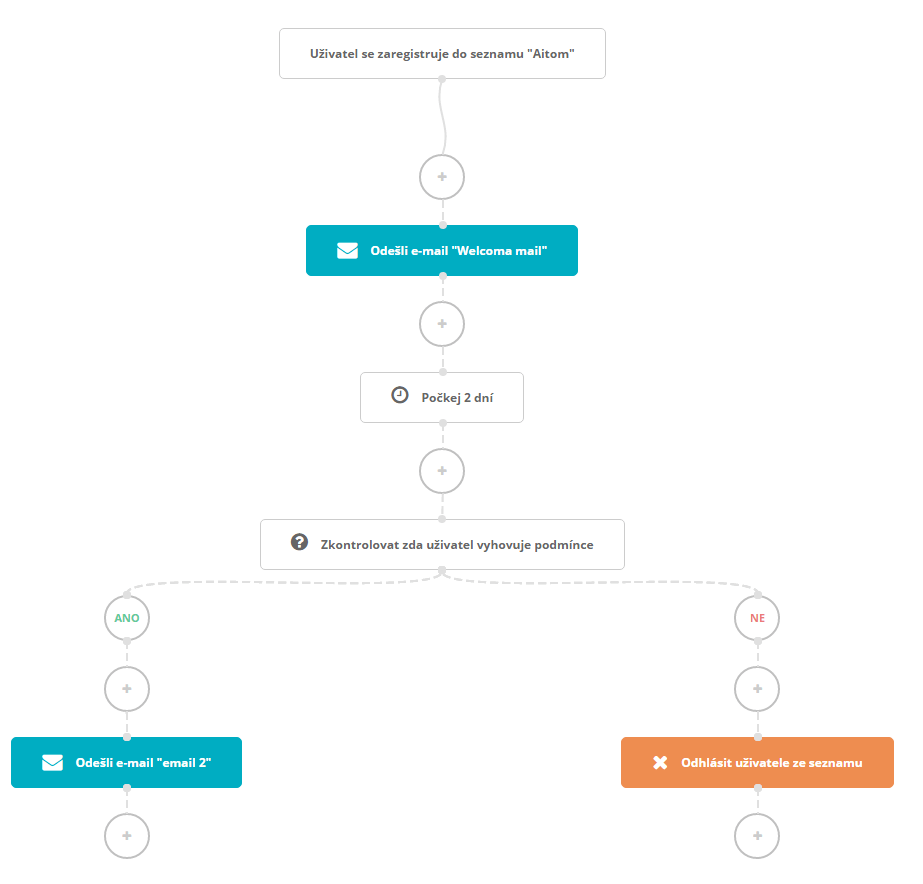
- Clear automation flowchart
- SMS messages can also be sent from a single administrative interface
- Advanced reports with click maps, demographic and technical data
- You can create an agency account and clearly organise multiple projects under it
What we don’t like
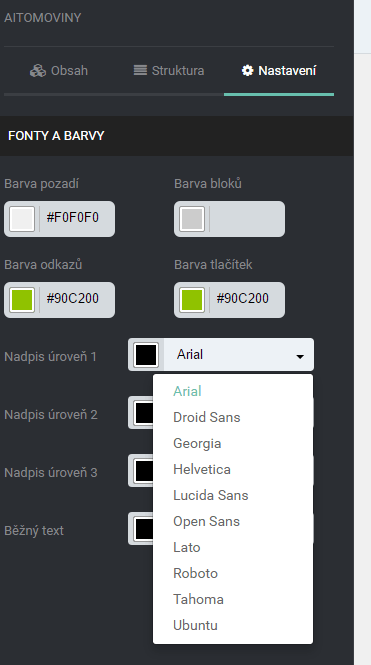
- Limited options for formatting headings in the editor; for example, line spacing can only be set in the code (however, according to support, they are already working on rectifying this shortcoming)
- You cannot enlarge the social media buttons
- Limited report export options
How to work with Ecomail
Mailchimp
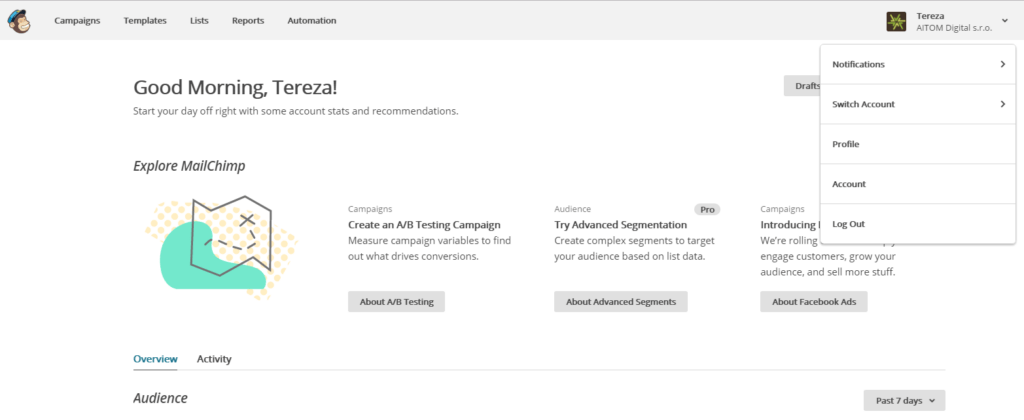
Mailchimp and its monkey mascot Freddie are true icons in the world of email marketing. No wonder – the tool is perfectly simple, even for beginners.
What we like
- Management of templates and images even outside of newsletters
- A large number of ready-made templates
- Ability to implement surveys and polls using merge tags
- Good export settings
- The tool has very comprehensive guides in the Knowledge Base
- Advanced reports with click maps, demographic and technical data
What we don’t like
- A more expensive tool
- No option to disable opt-in
- Only a linear approach to automated campaigns – setting up more complex campaigns is confusing
- Automation is only available in the paid version
How to work with Mailchimp
MailerLite
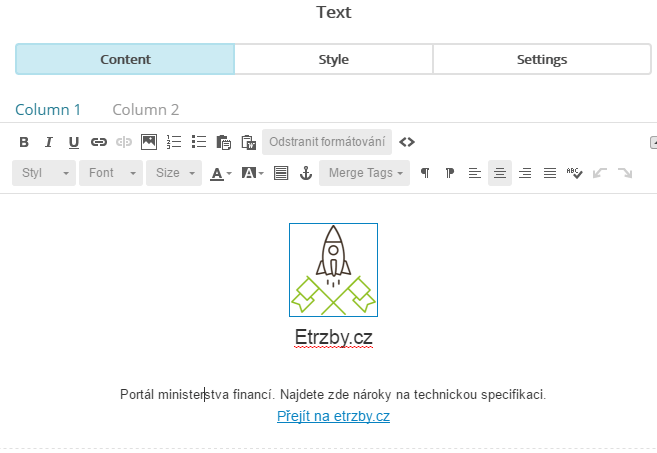
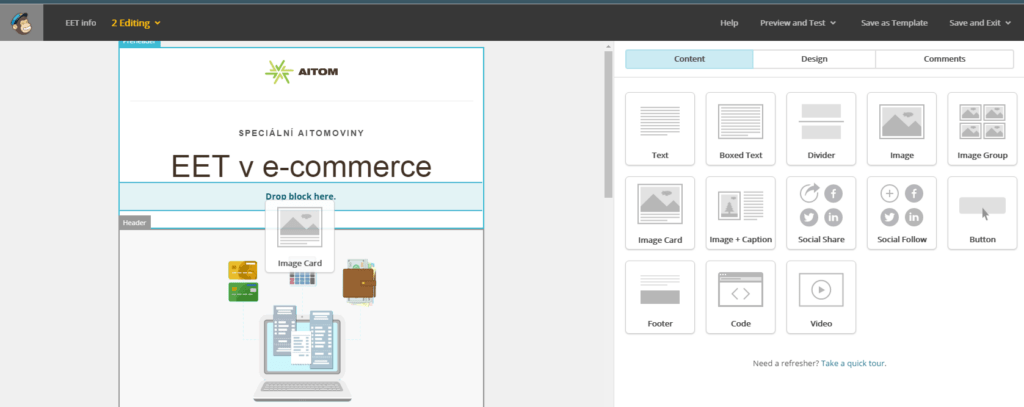
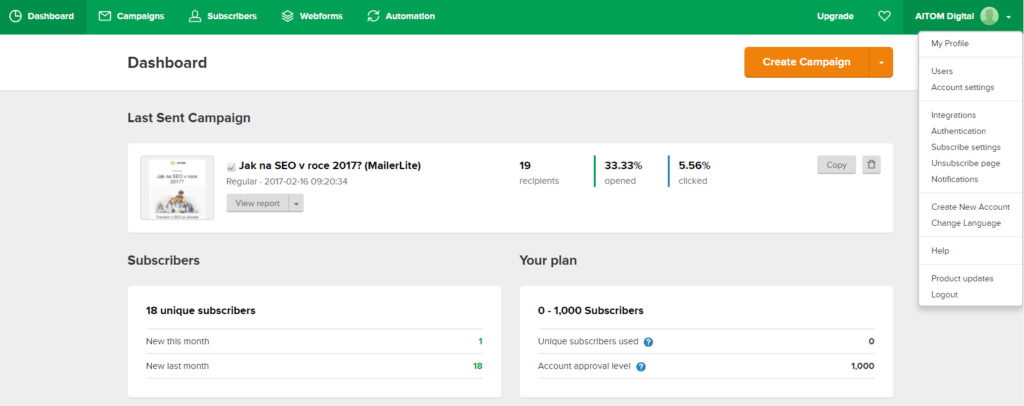
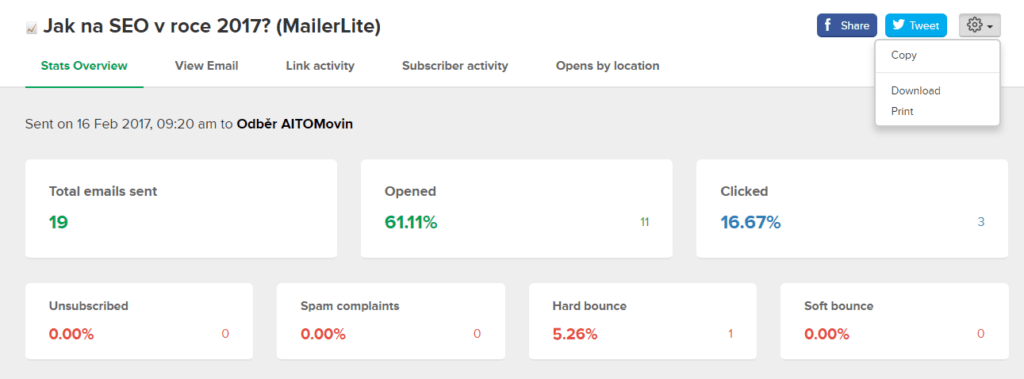
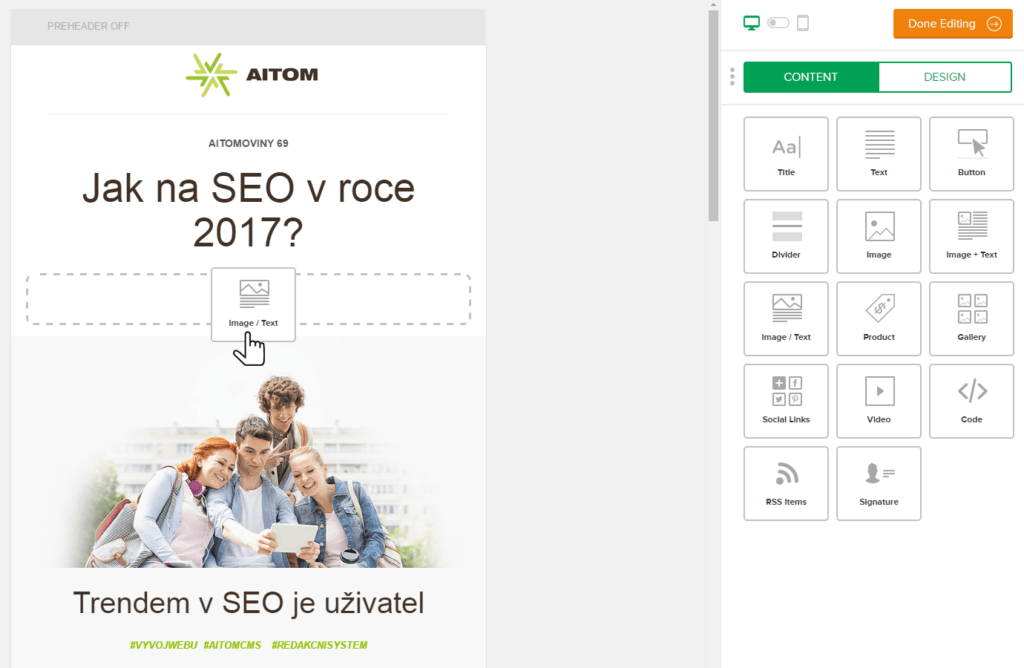
MailerLite looks like Mailchimp’s sibling. They have very similar administrative interfaces. It is user-friendly – you’ll find your way around straight away and know where to click.
What we like
- The ability to create landing pages
- Options for subscribers – for example, disabling opt-in, unsubscribing from all newsletters at once
- You can customise admin roles
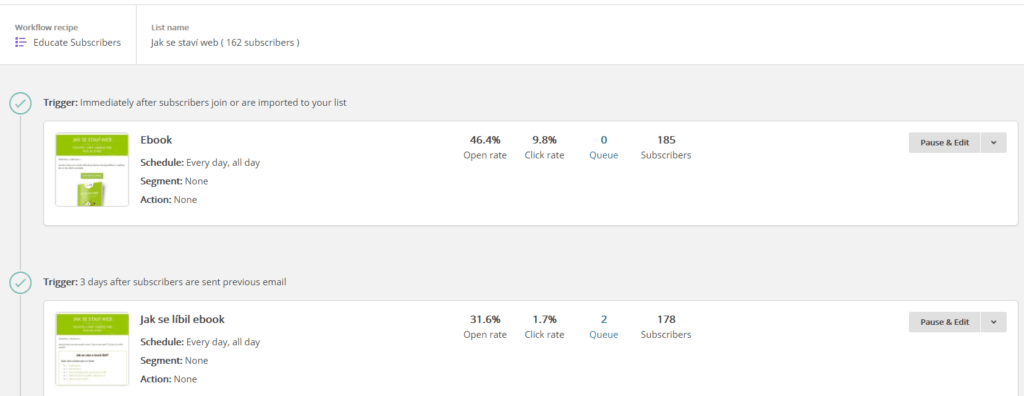
- Auto-respond feature (= automatic sending of reminders for newsletters that the user hasn’t opened)
- Option to chat with support (responds within minutes)
- Clear automation flowchart
- Advanced reports with click maps
- Option to print a report with selected metrics
- Option to export the newsletter as a PDF
- Option to print a report with selected metrics
What we don’t like
- If you use a pre-designed template, you can only edit the content; you cannot, for example, add additional fields
- Once you’ve selected a template, you can’t go back and change it
- You cannot manage images
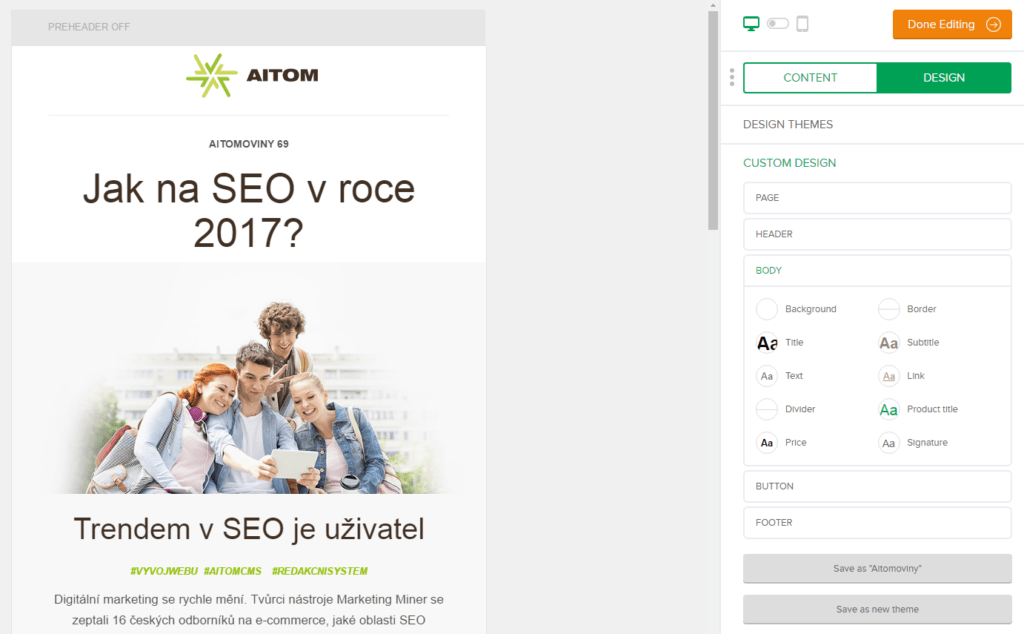
- If you’re used to Mailchimp, you won’t like how templates are created – essentially, you’re just setting a colour scheme. Once you get used to it, it’s not the slightest bit of a hassle.
- It doesn’t have conditional tags
- You cannot have databases for multiple projects under a single account – it can only create one unsubscribe form per account
How to use MailerLite
Mailjet
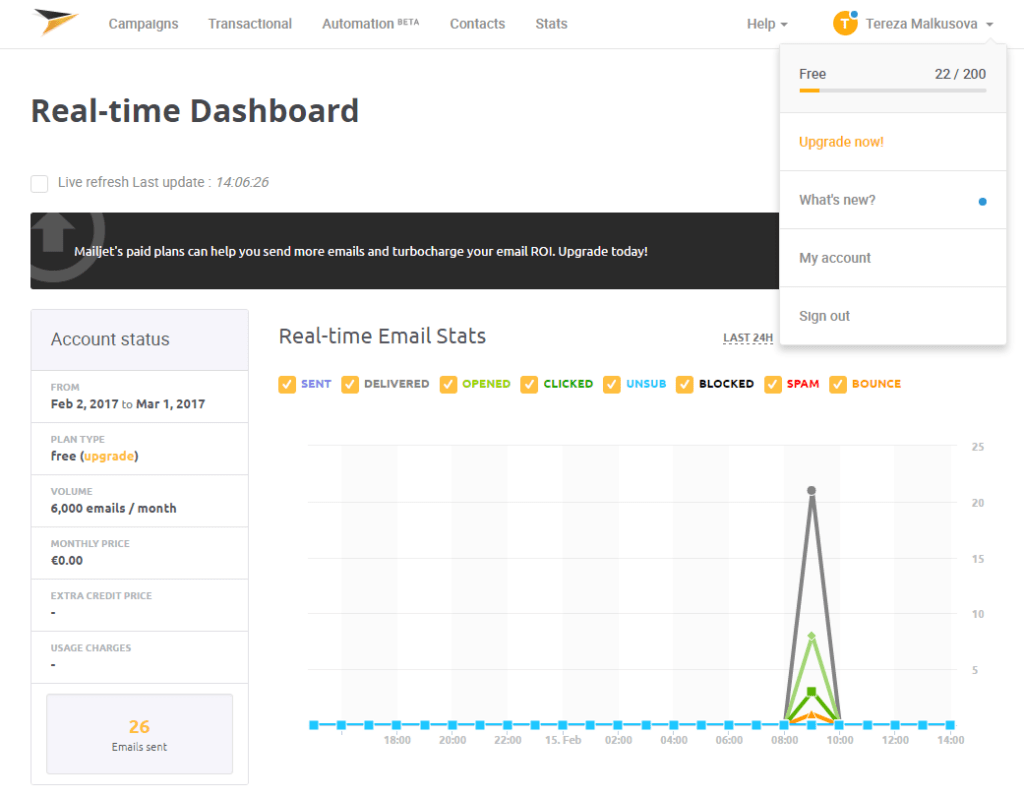
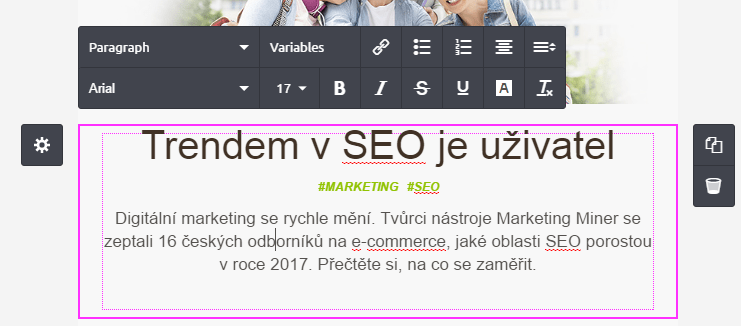
This tool came in 4th place solely because of its lower price. Most features are only available in the paid version. The admin interface differs significantly from the others; it is less intuitive and considerably harder to work with.
What we like
- The option to activate a trial version and try out the tool
- Low price
What we don’t like
- The tool does not allow the logout page to be translated into Czech
- A/B testing, automation and segmentation are only available in the paid version
- Does not support RSS campaigns
- It does not have a built-in image editing tool
- It does not automatically assign UTM parameters for traffic analysis
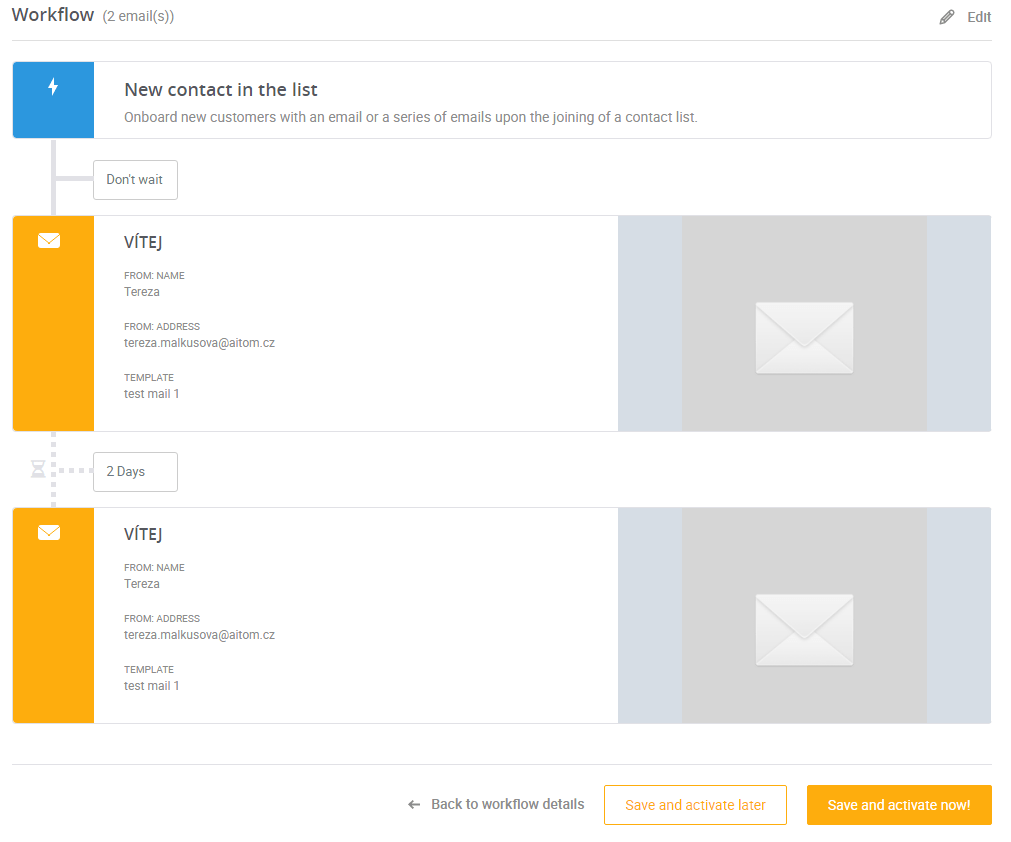
- Only one type of automated campaign (welcome email, ‘coming soon’ campaigns)
- Automation is linear, similar to MailChimp – it can only send emails sequentially at set intervals
- No “like” buttons, only share buttons
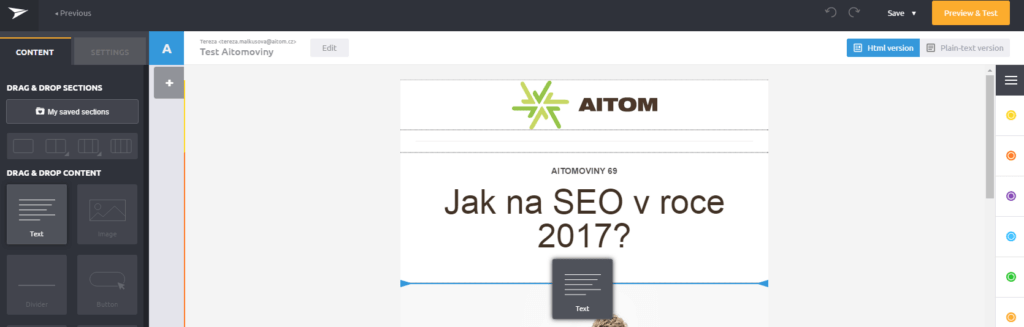
- When sending our AITOM news, the newsletter layout in two columns failed
How to work with Mailjet
Sendgrid
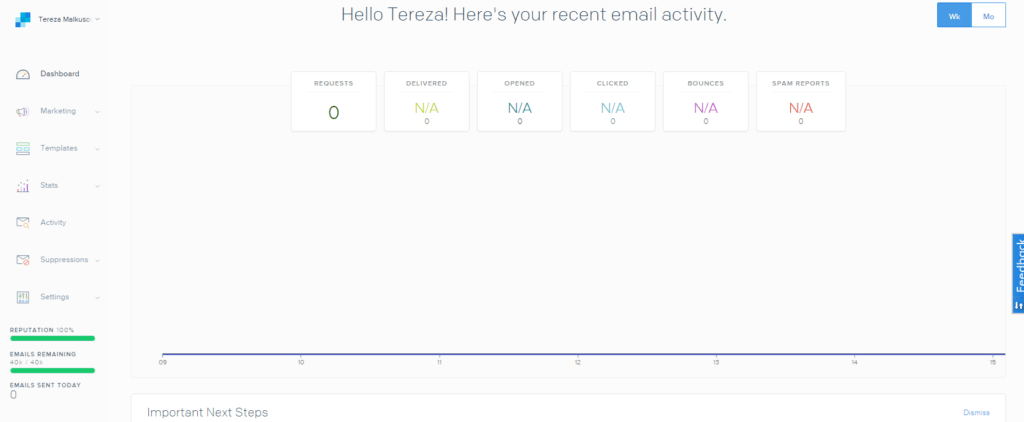
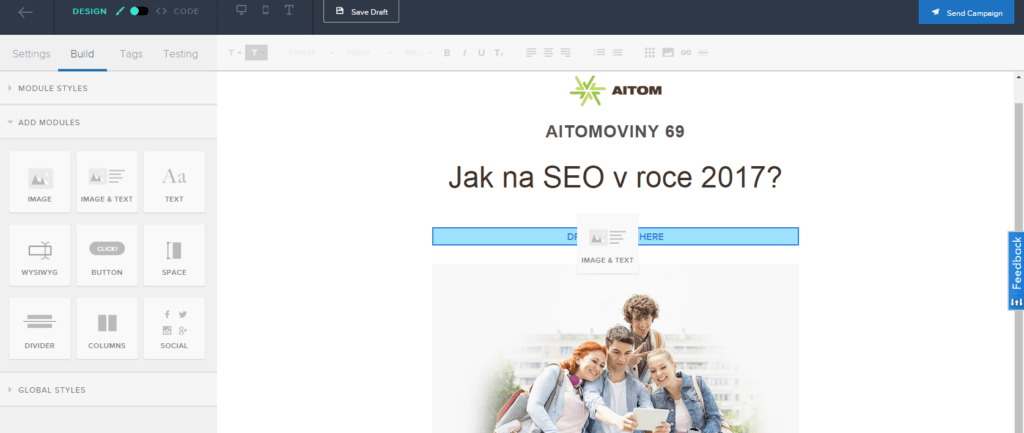
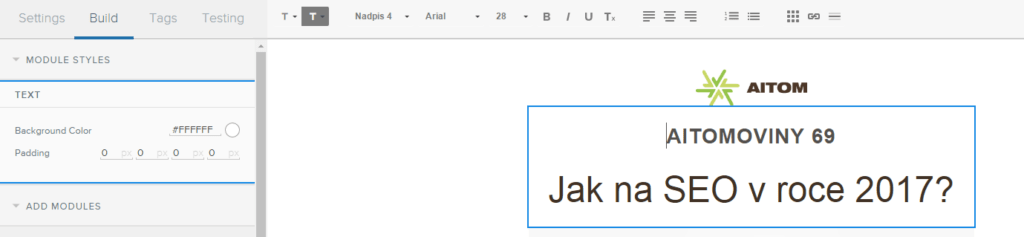
We didn’t like the tool at all. The admin interface is confusing, and some features are practically inaccessible. We eventually dropped the tool entirely from our internal testing due to its shortcomings.
What we like
- The option to activate a trial version and try out the tool
What we don’t like
- It is not possible to edit the WYSIWYG in the code
- It is not possible to change the background colour of various fields
- Does not support RSS
- Cannot be linked to Facebook
- It does not have standard login forms; login can only be set up with a programmer via the API
- It does not have an integrated image editor
- We did not find any automated campaigns in the admin panel
How to work with Sendgrid
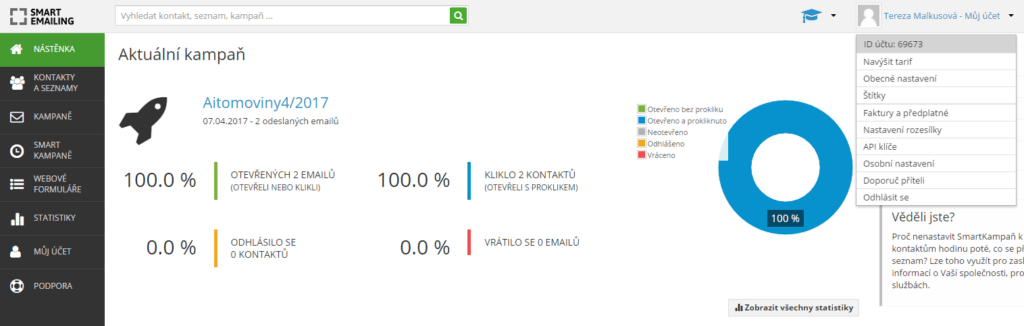
SmartEmailing
This is a Czech tool. At first glance, the tool is very user-friendly, but on closer inspection, it starts to feel complex compared to other tools.
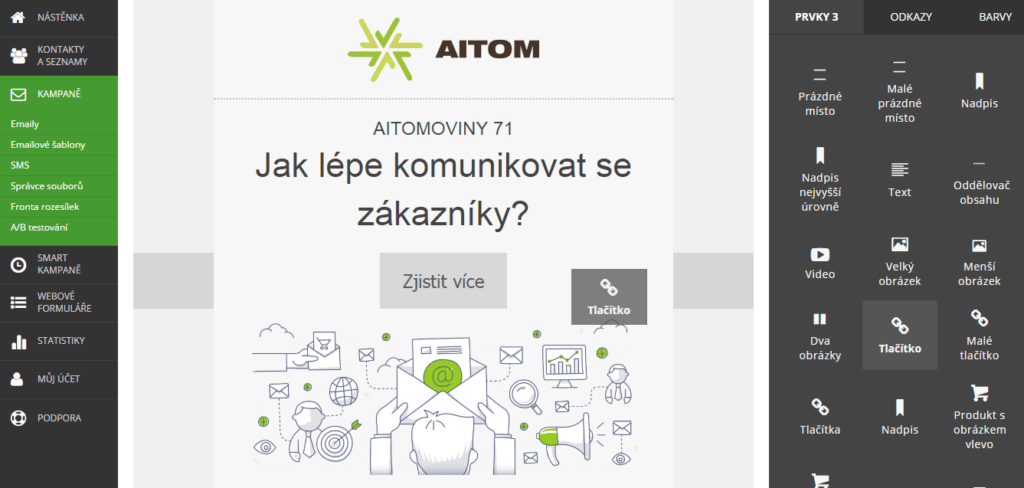
The system is built around working with templates. You must take care to choose a template that meets your requirements the first time round. This is because each template only supports certain types of content (for example, there are 3 different types of buttons). On our first attempt, we chose a template with fewer elements. This template, for instance, did not allow us to centre a button.
We encountered a major problem during registration. It took a long time to receive our login details (due to an overly strict spam filter on our server). If you experience the same issue, please be patient; the spam filter may take up to an hour to process the first email, after which subsequent emails will arrive without any problems.
What we like
- Czech tool
- Sending time can be set according to user preferences (calculated based on historical data in the database)
- Option to create a questionnaire (of the tools we tested, only Mailchimp can do this too)
- The tool can automatically decline and add salutations
- SMS messages can also be sent from a single administrative interface
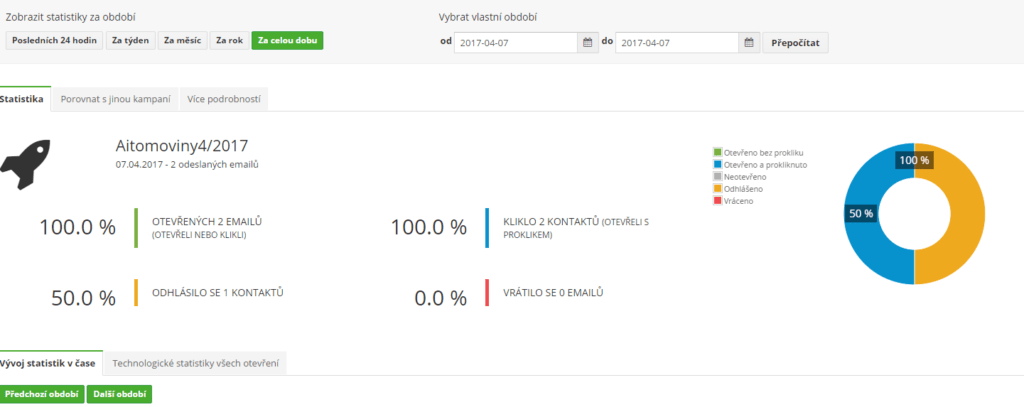
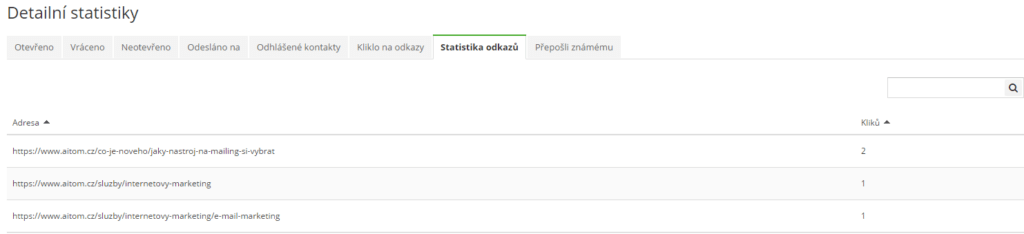
- Clear reports with technical data
- Ability to compare campaign results with one another
- Export options (PDF, various CSV outputs)
What we don’t like
- Expensive tool
- You cannot start with a blank page; you must always use a template and edit it in the editor
- No image editor
- You cannot resize images
- The template has only one type of separator, which cannot be changed (for example, from dotted to solid line)
- When inserting a blank space, you cannot adjust the size of the blank space
- You cannot format buttons (frame size, rounded corners, etc.)
- It took a long time to receive the login details
- When importing a database, you must answer questions regarding the database’s origin, including whether you have the contacts’ IP addresses. We believe that a layperson would not have this information.
- Complex automation settings.
- Within a single automated campaign, you cannot send multiple emails; you must set each one up separately.
- After registration, the system offers you an expensive training programme, even though it has very good free help.
How to work with SmartEmailing

Ranking
We compared standard features and price. Our ranking is as follows:
- MailerLite – because it’s a very user-friendly tool that offers a maximum of features even in the free version
- Ecomail – a big plus for a Czech tool; it’s clear and offers everything you usually need.
- MailChimp – a user-friendly, well-known platform, but its main weakness is the price
- SmartEmailing – it’s expensive and less user-friendly
- MailJet – although it’s the cheapest, it’s difficult to use; you have to pay for a whole range of features or they’re not available at all
- Sendgrid – in our view, it’s a very confusing tool that simply doesn’t do much